

Let's do it together!
Step 1: Log In
Log into the Careteam platform to begin accessing support options.
Step 2: Access Knowledge Base
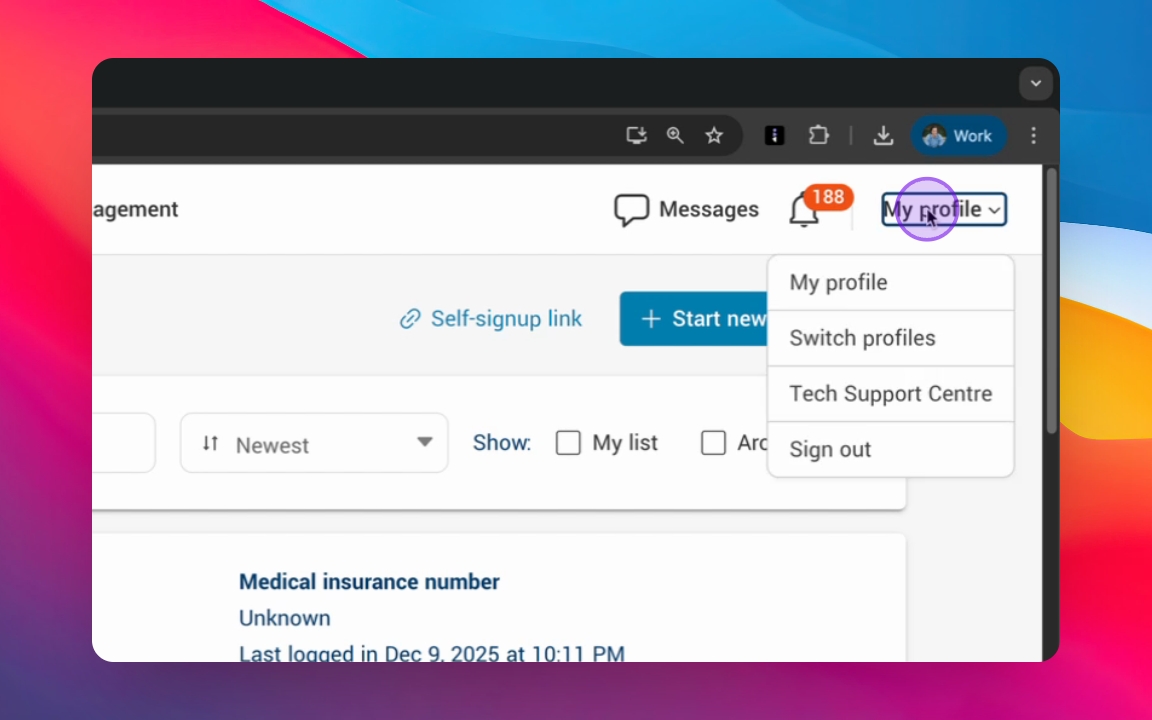
Click into your profile and select the Tech Support Center to access the knowledge base.
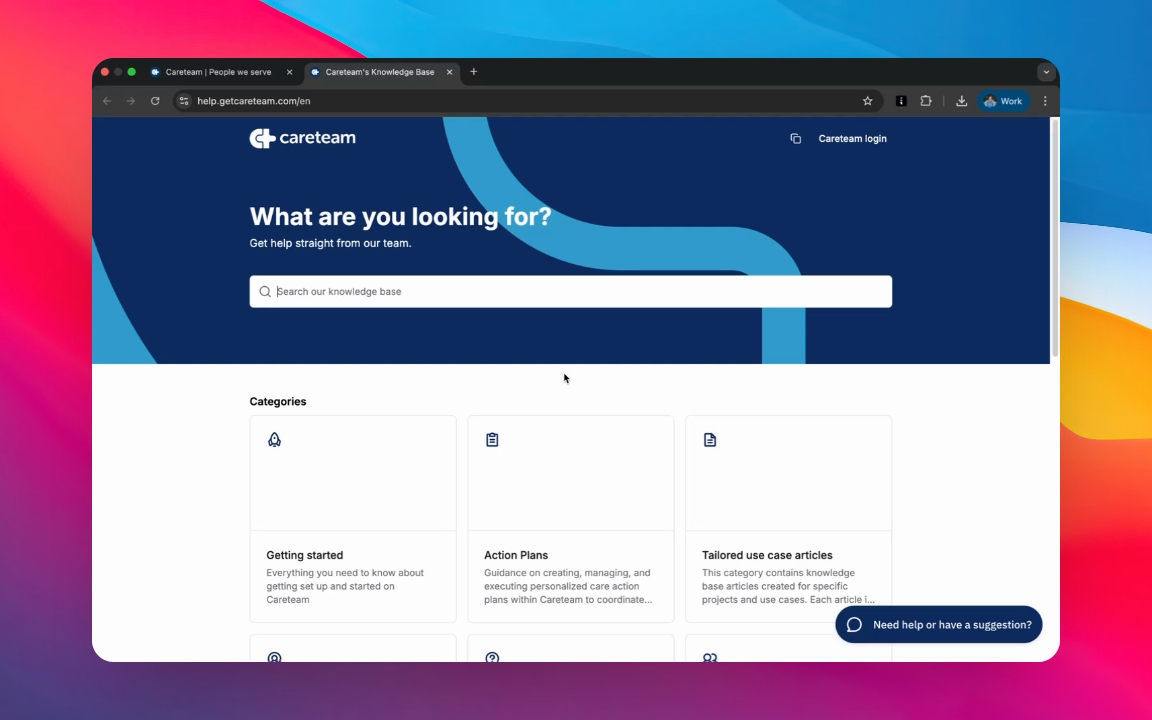
Step 3: Browse or Search
Browse through categories or use the search function to find specific articles.
Step 4: Contact Support
Reach out to the support team using one of three methods.
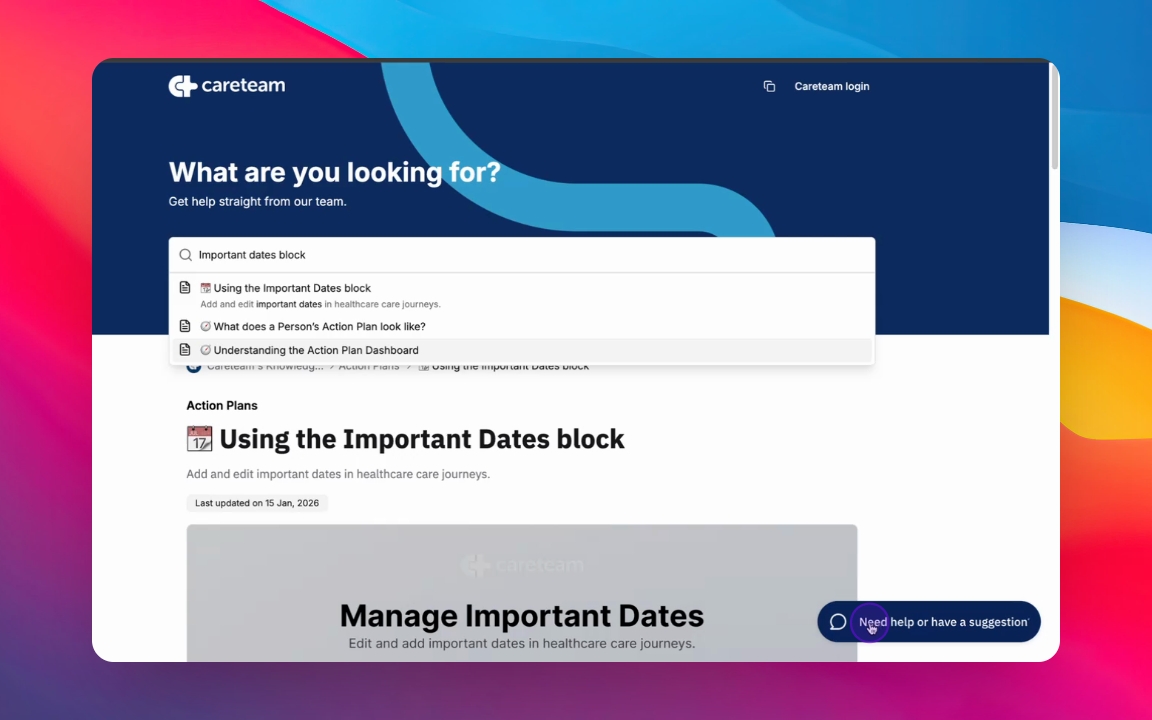
1.Use the Chat Bubble
Click the chat bubble at the bottom of the page to send a message for assistance.
Email Support
Send a message through the email widget or directly email support@careteam.com.