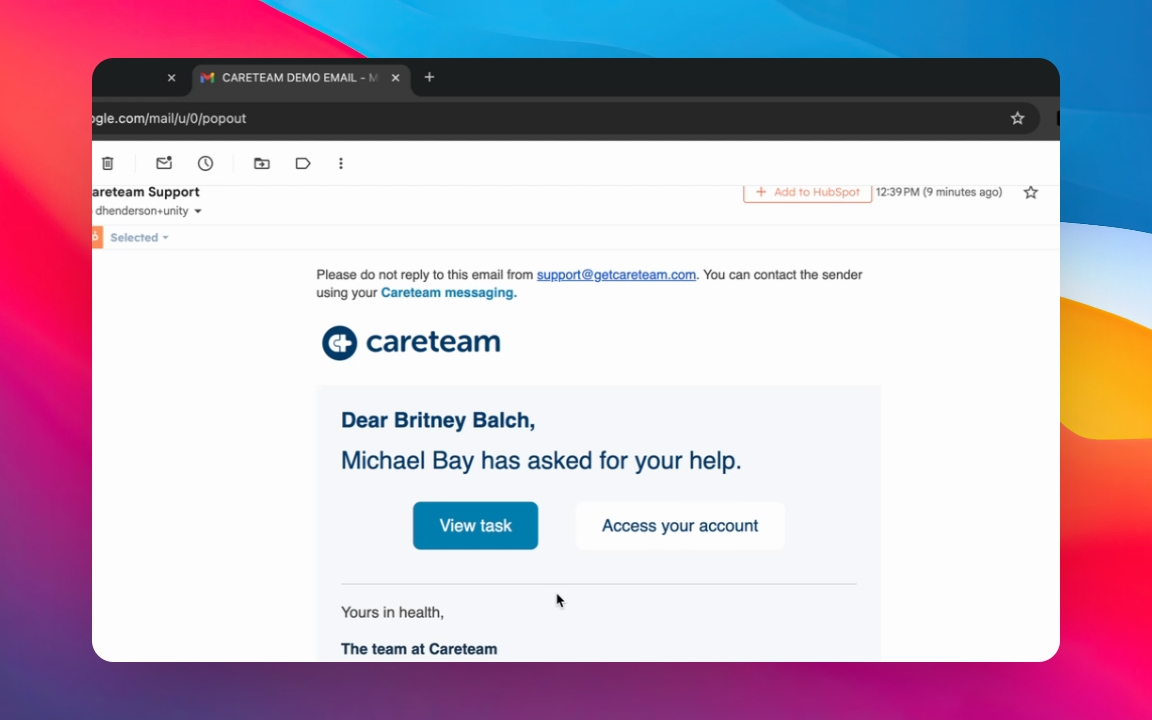
Let's do it together!
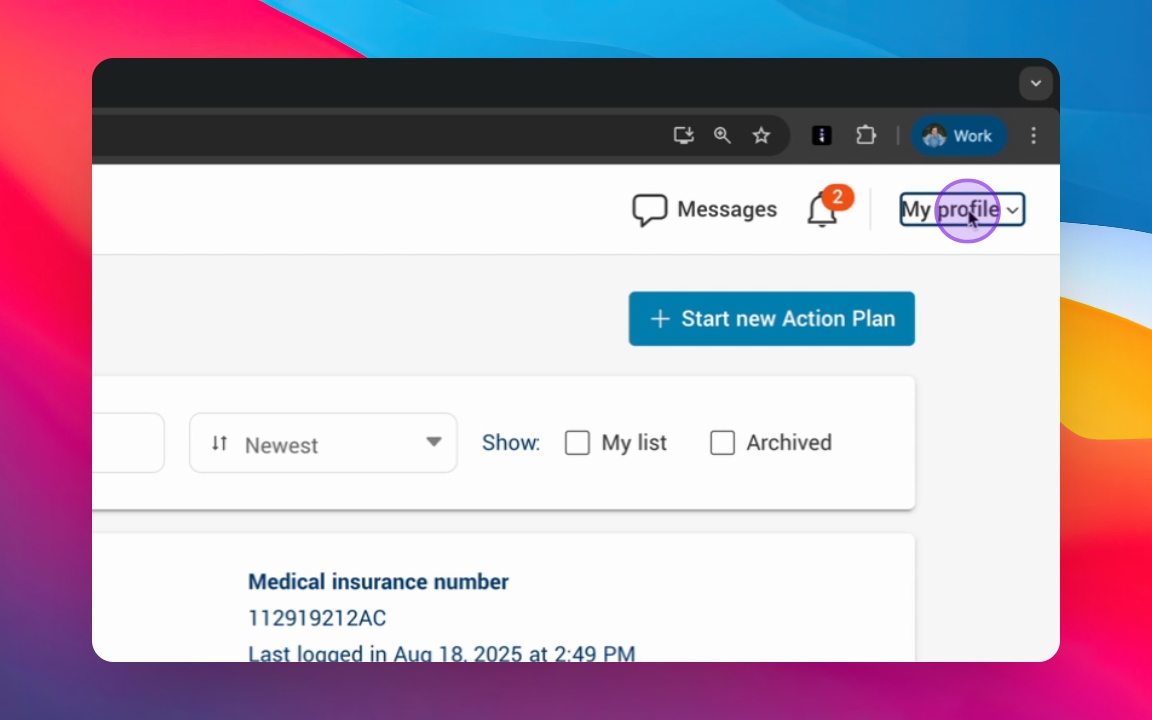
Step 1: Modify your notification preferences under My Profile
Click into My Profile to access your notification settings.
Step 2: Modify Preferences
Choose your preferred notification method: email, text message, or in-app notifications.
Step 3: View Notifications
Click the bell icon to view your notifications.
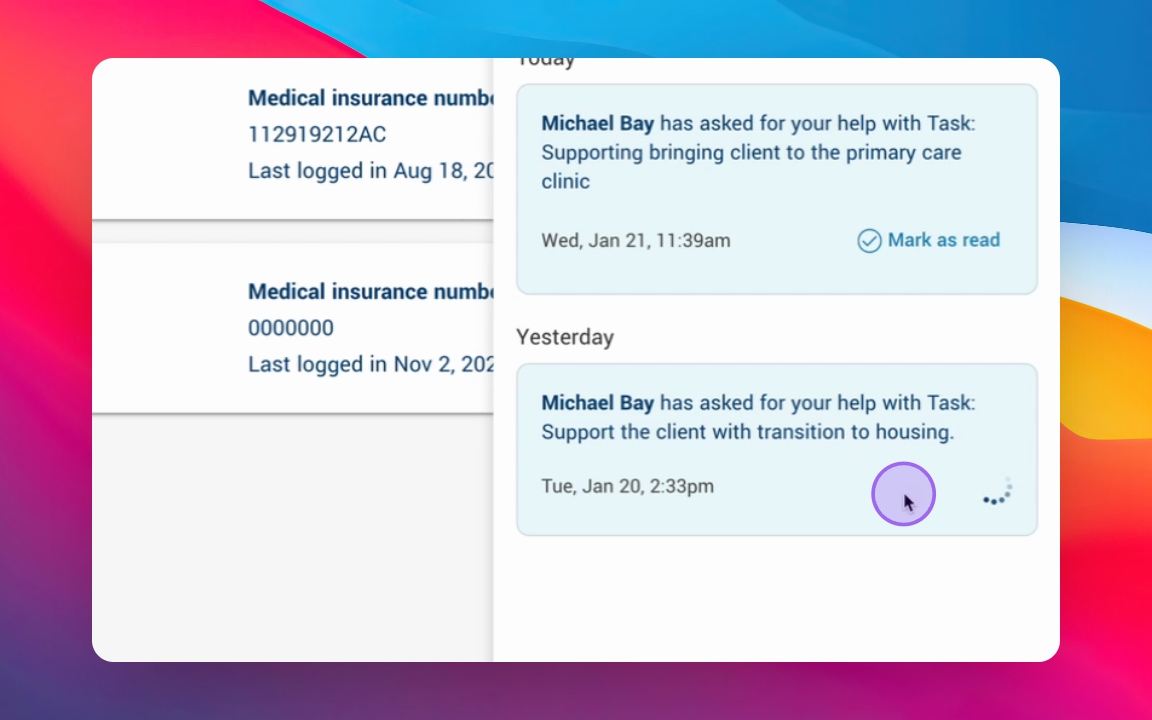
Step 4: Mark as Read
Mark notifications as read after reviewing them.
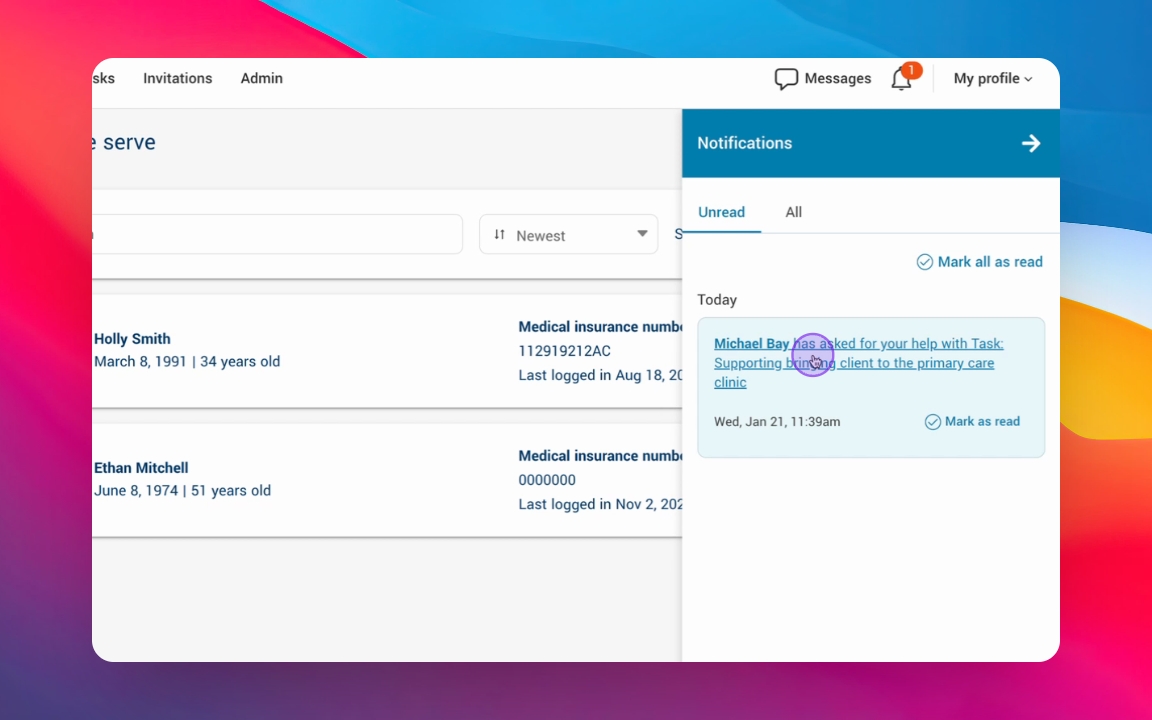
Step 5: Open Task Notifications
Click the link in the notification to open the corresponding action plan.
Step 6: Review past Notifications
Access all past notifications for reminders and mark them as unread if needed.