TL;DR
1
Open admin panel
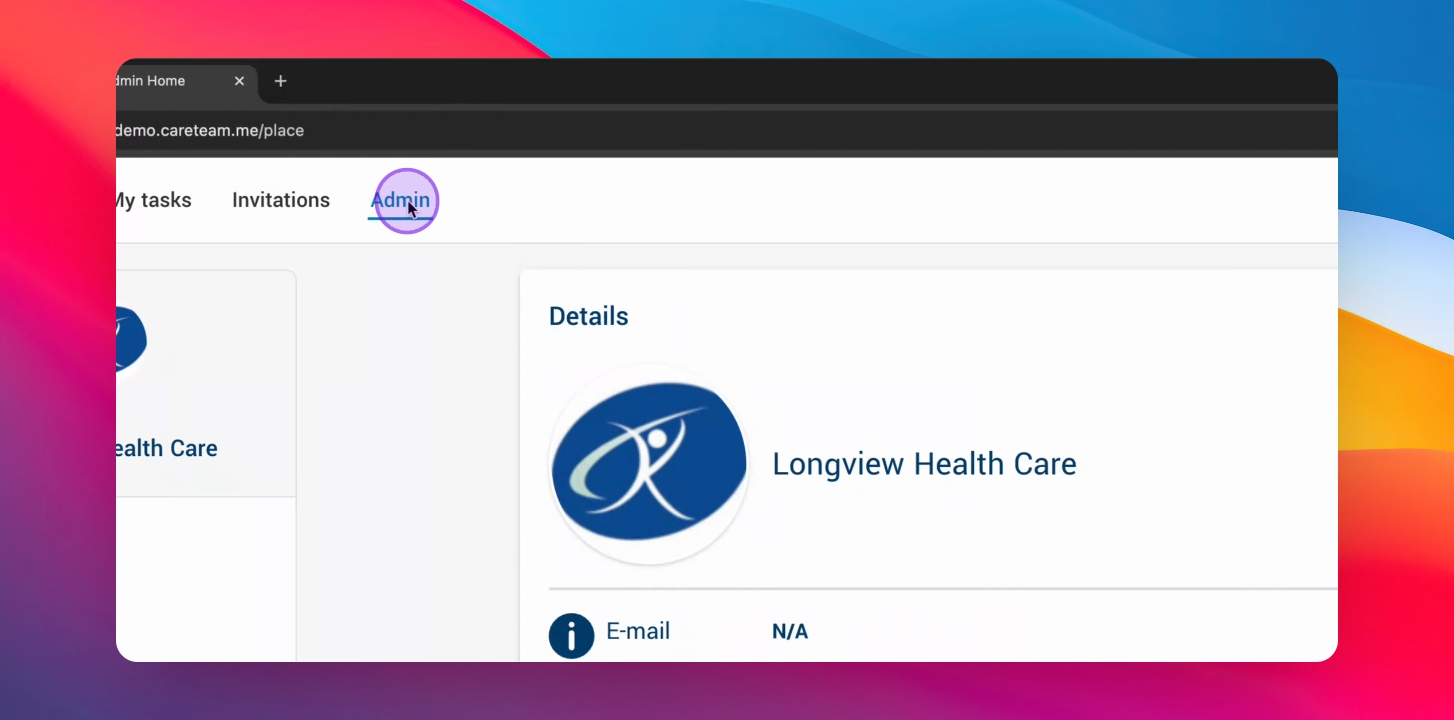
Click into the admin panel to start.
2
Access Audit Log Viewer
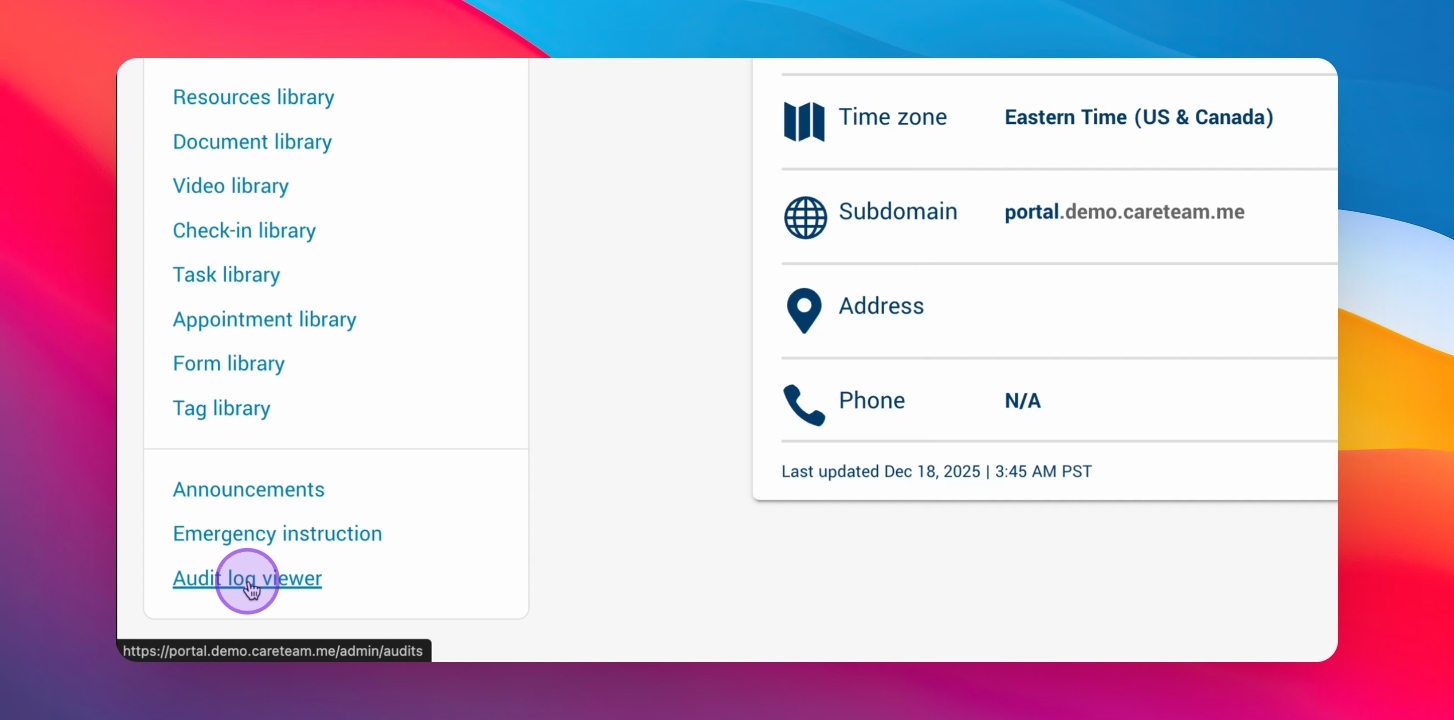
Scroll down and click on Audit Log Viewer.
3
View Audit Log
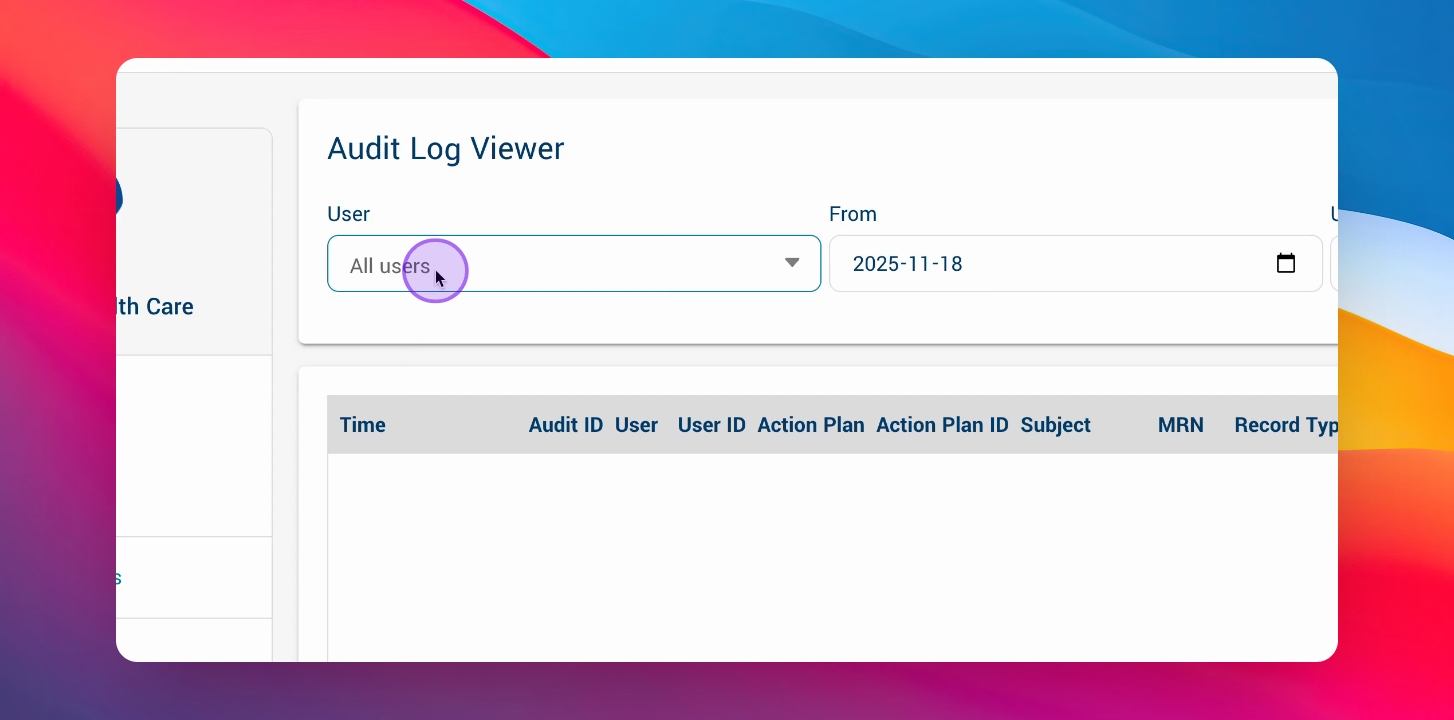
See all recorded information in the Audit Log.
4
Filter logs
Filter by user and date period.
Let's Do It Together!
The member(s) of your staff to whom you have given Administrator access will have access to the Audit Log Viewer. The audit log includes the following details:
Time
Audit ID
User
User ID
Action Plan
Action Plan ID
Subject
MRN
Record Type
Record ID
Action
Field
Previous Value
Current Value
IP Address
Step 1: Open Admin Panel
Click into the admin panel.
Step 2: Navigate to Audit Log Viewer
Scroll down and click into the Audit Log Viewer.
The Audit Log Viewer opens.
Step 3: View Audit Log
From here, you can see the Audit Log with all of the recorded information.
Step 4: Filter Audit Log
Filter the audit log by user and by date period.